
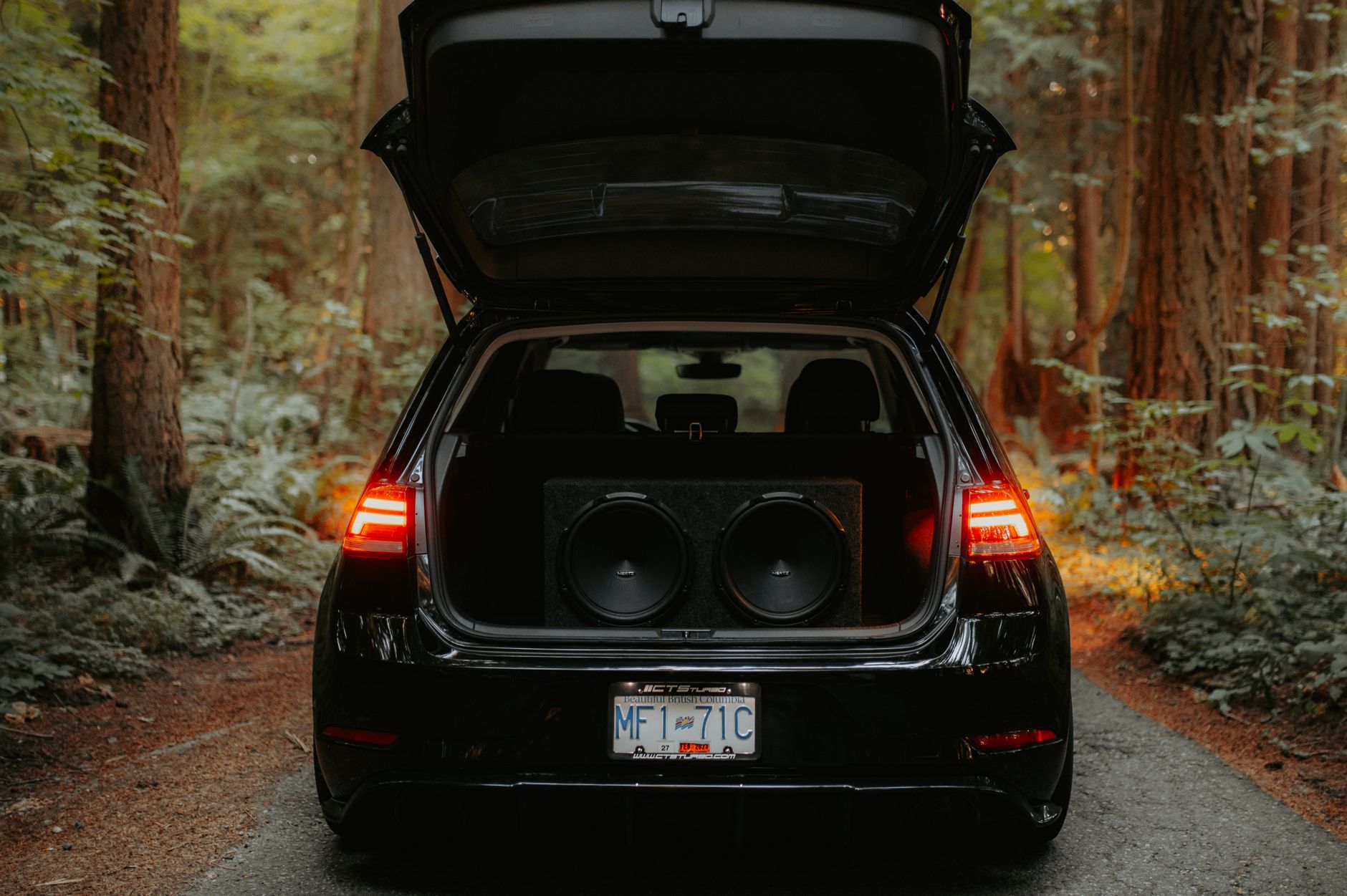
Bass Booster
Bass Booster: feel the low end, keep the song.
Drop a song in, boost its low end, hear it against the original — nothing leaves your browser.
Boost bass
MP3 · WAV · FLAC · OGGYour file never leaves this page.
No file handy? "Pamgaea" by Kevin MacLeod, CC BY 4.0
Demo track: “Pamgaea” by Kevin MacLeod (incompetech.com), CC BY 4.0.
Drop in a song and boost its low frequencies right on this page. Everything runs in your browser: your file is never uploaded, no account is needed and the finished bass boosted track downloads straight to your device. MP3, WAV, FLAC and OGG all work, and the result carries no watermark. How your file stays private
How it works
Three steps stand between the song you have and the bass-boosted version you want — and every one of them happens on this page. Most songs are done in seconds, because your device does the computing. For the scene-by-scene version — which preset suits headphones, the car or a subwoofer, and how to keep a strong boost clean — read how to boost bass in an audio file.
- Choose a song Drop an MP3, WAV, FLAC or OGG file onto the panel, or click to pick one. Before anything runs, the tool shows the file's duration, size and format, so you can check it read the right thing.
- Set the boost level Pick one of the five scene presets — Gentle for headphones, Warm for home speakers, Strong for the car, Deep for a subwoofer, or Extreme — or set it yourself with the intensity (2–18 dB) and bass frequency (40–250 Hz) sliders. The anti-clipping guard is on by default; switch it off only if you want the full, unrestrained push.
- Preview, then download Flip between Before and After to hear exactly what the boost changed, then download the result as a WAV file. It plays anywhere, carries no watermark, and nothing was uploaded to make it.

Why local beats upload
Most online bass boosters, such as Audioalter's Bass Booster (as of 28 Nov 2026), ask you to upload your song and process it on their server. This site does the opposite: the boost is computed by your own browser, and the difference shows.
- Your file stays yours The audio is decoded, boosted and encoded on your own device. Nothing is sent anywhere, so there is no upload queue to wait in and no copy of your song left on someone else's disk.
- Works wherever you do Everything runs in the browser, so the tool works on a laptop at home or a phone before a drive. Open the page, boost the bass, take the file.
- Free, with nothing to sign There is no plan, no trial clock and no account. Boost one song or fifty — the tool asks for nothing in return.
Formats and honest limits
The tool reads MP3, WAV, FLAC and OGG files and hands back a downloadable WAV copy of the boosted result. What it changes is the low end of the sound; it does not split stems, change tempo or retune the track.
- Anti-clipping protection A strong bass boost can push a track past its loudest clean level, which arrives as crackling distortion. The anti-clipping guard, on by default, pulls the overall level down when that would happen and tells you by how many dB. Switch it off if you would rather judge the clipping yourself.
- Very large files There is no hard size limit: everything happens on your device, so the real limits are your machine's memory and patience. The tool warns you before it starts on an unusually large file, and only a file the browser cannot decode at all is refused.
Questions people ask
Quick answers to what visitors most often want to know before they boost their first track.
Still stuck? Write to us Every message reaches the people who build this tool.
Can I boost bass on my phone?
Yes. The tool runs entirely in your phone's browser — the same panel, the same presets, no app to install. Very long tracks take longer, because your device does all the processing itself.
Do I need an account or a subscription?
No. There is no sign-up, no plan and nothing to cancel. Open the page, drop in a song and download the boosted result — the full tool is free.
What exactly do the sliders change?
Boost intensity sets how many decibels are added to the low end (2–18 dB here). Bass frequency sets where the low end ends, between 40 and 250 Hz: a low value thickens only the deepest notes, a higher value adds weight further up. The five presets are starting points for these two sliders.
Will boosting the bass change the rest of the song?
The boost lifts only the frequencies below the bass frequency you set; vocals and instruments above it keep their level. With the anti-clipping guard on, a very strong boost can make the whole track slightly quieter overall, because the guard pulls the level down to keep the sound clean.
What if a result sounds distorted?
Distorted bass usually means the boost is too strong for that track, or the guard was switched off. Turn the guard back on or take a lower intensity, and use the Before/After flip to check the difference. If a result still seems wrong, write to us with the file's format and the settings you used.
Can I use the boosted file however I like?
The tool gives you a modified copy of the file you gave it and claims no rights over your audio. What you may do with the result depends on your rights in the original recording, which is yours to check — see the Terms of Use.